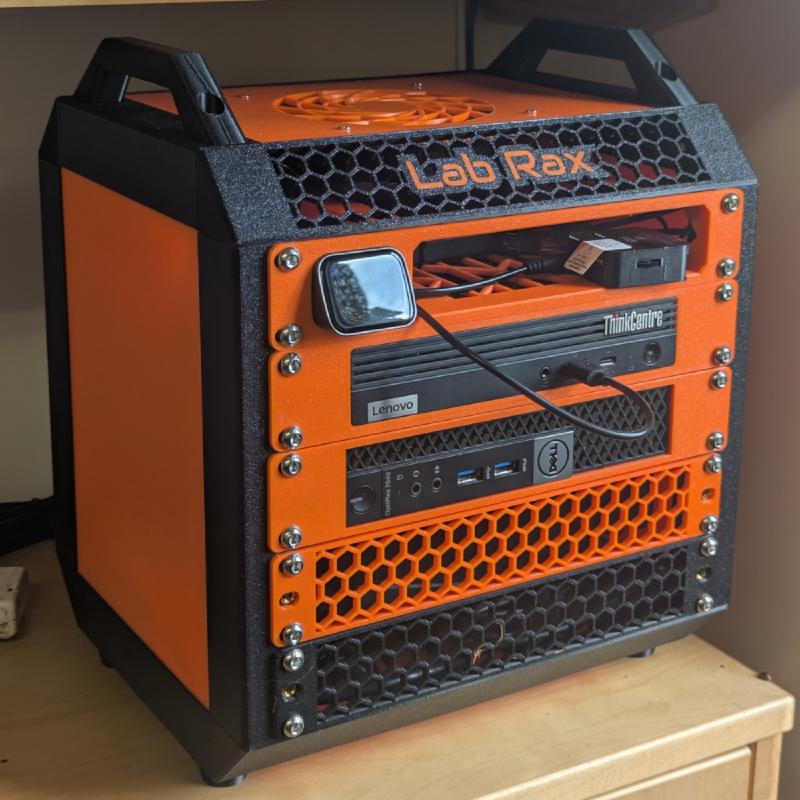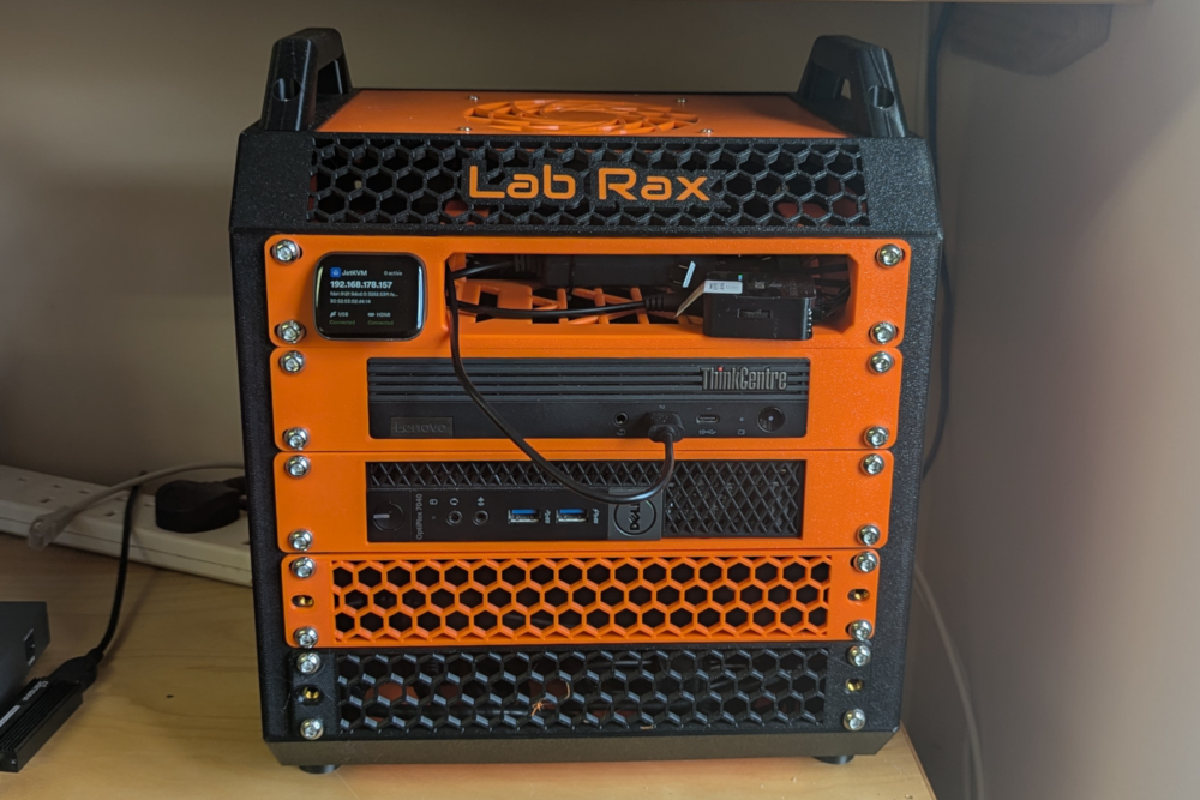
A while ago I decided to tidy up my Proxmox setup, buying a tiny Thinkcentre M90q to replace an ageing large case server and combining this with a Dell Mini PC Proxmox Backup Server in a 3D printed ‘Lab Rax’ half width rack.
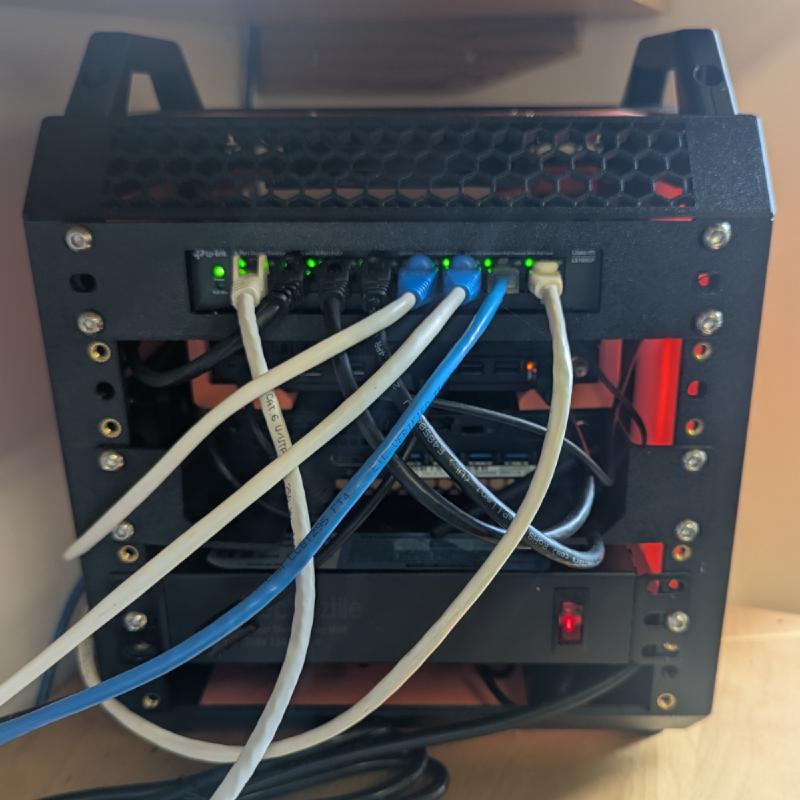
In the article below I’ve summarised the specifications of the equipment installed in the rack, which additionaly includes a PDU, Gigabit Network Switch, two fans (with a fan controller) and a JetKVM for remote management.
Lab Rax#
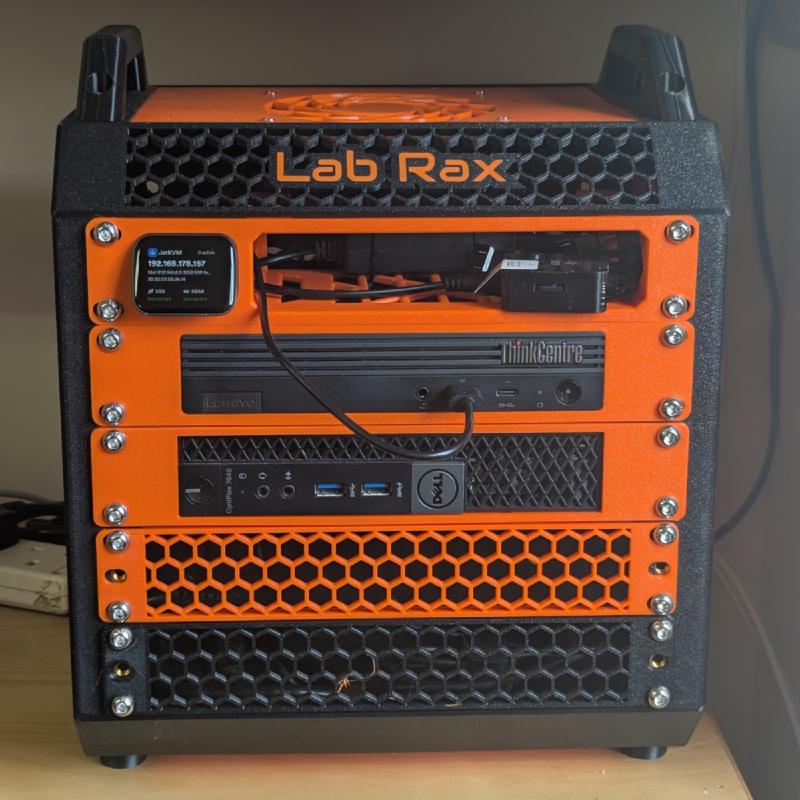
Already owning a Bambu P1S 3D Printer it made sense to print my own 10 inch Server Rack, especially when I found Lab Rax on Maker World. I opted for the default 5U configuration (which turned out to be tight, fitting three power supplies connected to a PDU in the base).
The result is very tidy compared to having two mini PCs and a network switch with loose cabling on a shelf.
Proxmox Server#
I opted for a refurbished Lenovo ThinkCentre M90q Tiny PC with an i7 11700T processor, 32GB of RAM and two 2TB NvME SSDs in the available slots (which are mirrored in the Proxmox Virtual Environment LVM-Thin setup).
Proxmox runs various VM’s and LXC Containers including Nginx Proxy Manager, Apache Web Server, Open Media Vault (File Server), Nextcloud, Immich, Pi-Hole, and Vaultwarden.
Proxmox Backup Server#
This a much lower specification Dell Optiplex 7040 Micro Mini PC i5-6500T with 16GB RAM and a 2TB SSD for backups from the Proxmox Server. Nightly backups of all VMs and Containers allow for roll-back in the case of misconfiguration or a failure on the Proxmox Server.
Peripherals#
TP-Link LS108GP 8-Port PoE Gigabit Ethernet Switch
ElecVoztile 10 inch Rack PDU
Two Arctic P12 Pro PST LN 120mm intake and extract fans
12V DC Powered For PWM Fan Controller Hub
10Gtek Gigabit POE Splitter Adapter
JetKVM for remote administration over Tailscale